TL;DR: The Smartphone vs. Dedicated Torch Reality
Mastering how to put torch on or switch off torch functions on your smartphone is a vital daily skill for brief tasks. However, phone flashes are limited by thermal throttling, poor beam distance (<15m), and high battery drain. This guide provides step-by-step instructions for iOS and Android, while explaining why a dedicated EDC flashlight—like the Olight Baton 4 or Warrior 3S—is indispensable for UK winter dog walking, wild camping, and emergency power cuts where reliability is non-negotiable.
In our modern, high-tech world, the smartphone has become the ultimate multi-tool, replacing everything from our alarm clocks to our cameras. One of its most frequently used, yet underappreciated, features is the built-in LED flash. Whether you are searching for dropped keys under the car seat, navigating a dark hallway during a minor power flicker, or trying to safely find your way through an unlit room, knowing how to put torch on or switch off torch settings quickly is an essential everyday skill. It provides immediate, accessible light right from your pocket without requiring any extra gear.
However, as convenient as smartphone illumination is for these brief, low-stakes moments, relying on it as your primary light source during real outdoor adventures or serious emergencies can be a critical error. The dark, unpredictable British outdoors, sudden regional power grid failures, and demanding hands-on manual tasks require a level of performance, ruggedness, and battery longevity that a multi-purpose phone simply cannot deliver. In this comprehensive guide, we will walk you through the precise steps to master your smartphone's light controls, analyze the physical and optical limitations of mobile flash systems, and explore why a dedicated, high-performance EDC (Everyday Carry) torch remains an irreplaceable tool for safety, utility, and peace of mind.
M Guide Navigation
Quick Fix: How to Switch Off the Torch on iPhone
Apple’s iOS environment is designed for rapid accessibility. However, accidental activations—especially when sliding an iPhone into a tight pocket—can lead to significant battery drain and unwanted heat. To switch off torch functions on your iPhone, Olight recommends mastering these three specific interface entry points.
1. From the Lock Screen (iPhone 12 & Newer)
Modern iPhones with Face ID feature a persistent shortcut. Wake the screen, locate the Torch icon (bottom-left), and apply a firm haptic press for one second. A tactile vibration will confirm the light is disabled.
2. Access via Control Centre
Swipe down from the top-right corner (Face ID models) or up from the bottom (Touch ID models). Tap the Torch icon. To adjust intensity, long-press the icon to reveal the 4-level brightness slider.
3. Siri Voice Integration
Say "Hey Siri, switch off torch" for hands-free management. This is particularly useful if your hands are occupied with bags or tools.
For users with modern Pro models, such as the iPhone 15 Pro or iPhone 16 Pro, you can also map the physical Action Button to toggle your torch on or off instantly. This physical tactile option allows you to manage the light without looking at your screen, saving valuable seconds in dark environments.
Troubleshooting: Why Your iPhone Torch is Stuck
If the LED remains active despite your attempts to disable it, the system may be experiencing a software conflict. Often, the Camera App and Torch system cannot operate simultaneously; force-closing the Camera app by swiping up in the App Switcher usually resolves the freeze. If unresponsive, a "Force Restart" is the final software-level solution.
Control Protocols: How to Turn Off the Torch on Android
Android devices utilize highly customizable software interfaces (One UI, HyperOS, OxygenOS). Depending on your manufacturer, the process to control and turn off torch functions varies, but the logic remains centered on the "Quick Settings" tiles.
Samsung One UI
Swipe down twice to expand the shade. Tap the "Torch" icon. Note: Tapping the text below the icon allows you to adjust between 5 brightness levels.
Google Pixel
Swipe down once for "Quick Settings." Tap the "Flashlight" tile. If missing, use the Pencil Icon to add it to your active grid.
Moto/OnePlus Gestures
Use "Moto Actions" (double-chop motion) or OnePlus screen gestures (drawing a V) to toggle the light without touching a button.
Many Android phones also allow you to configure physical shortcuts. For instance, in your settings under "Gestures" or "Advanced Features," you can assign a double-press of the power button to toggle the flashlight instantly. This ensures that whether you need to quickly illuminate a dark lock or safely put torch on while holding groceries, you can do so in a fraction of a second.
The 5 Technical Reasons Your Phone Torch Isn't Enough
To understand why the phone flash is insufficient, one must look at the optoelectronics and thermal engineering of modern devices. A smartphone is a master of communication, but its lighting capabilities are purely secondary.
1. Strategic Battery Depletion
Smartphone LED drivers draw significant current from the Lithium-Cobalt (LCO) battery. In an emergency, your phone is your lifeline—for GPS navigation, calling for rescue, or checking utility updates. Using your primary communication tool as a flashlight is a tactical error. A dedicated EDC torch ensures your phone remains at 100% for the tasks only a phone can do.
2. Thermal Limits and Throttling
Flashlights generate heat. A dedicated tool like the Olight Seeker 4 has a massive aluminum body to dissipate heat. A phone is thin glass and metal. After 10 minutes, the phone’s Thermal Management System will inevitably dim the light to 20% output or shut the system down to prevent "Thermal Runaway" in the battery.
3. Poor Optical Throw (Physics)
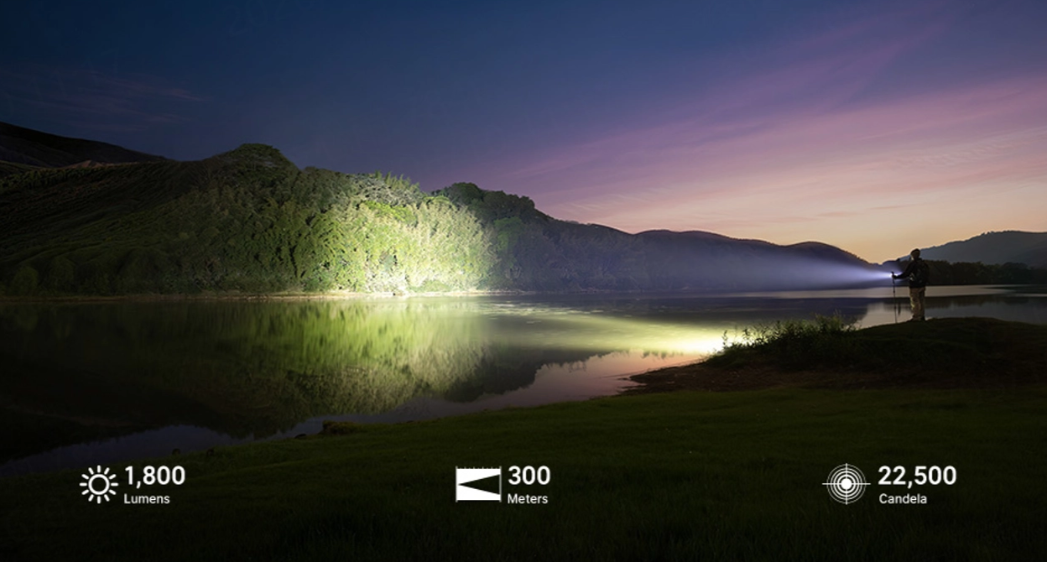
Phone LEDs are "SMD" (Surface Mount Device) emitters with zero reflector depth. This creates a wide, uncontrolled flood that disappears after 10 metres. A high-quality torch uses a TIR lens or parabolic reflector to focus photons into a beam that can reach 300+ metres, essential for identifying obstacles across a field or signal for help.
4. Fragility & Ergonomics
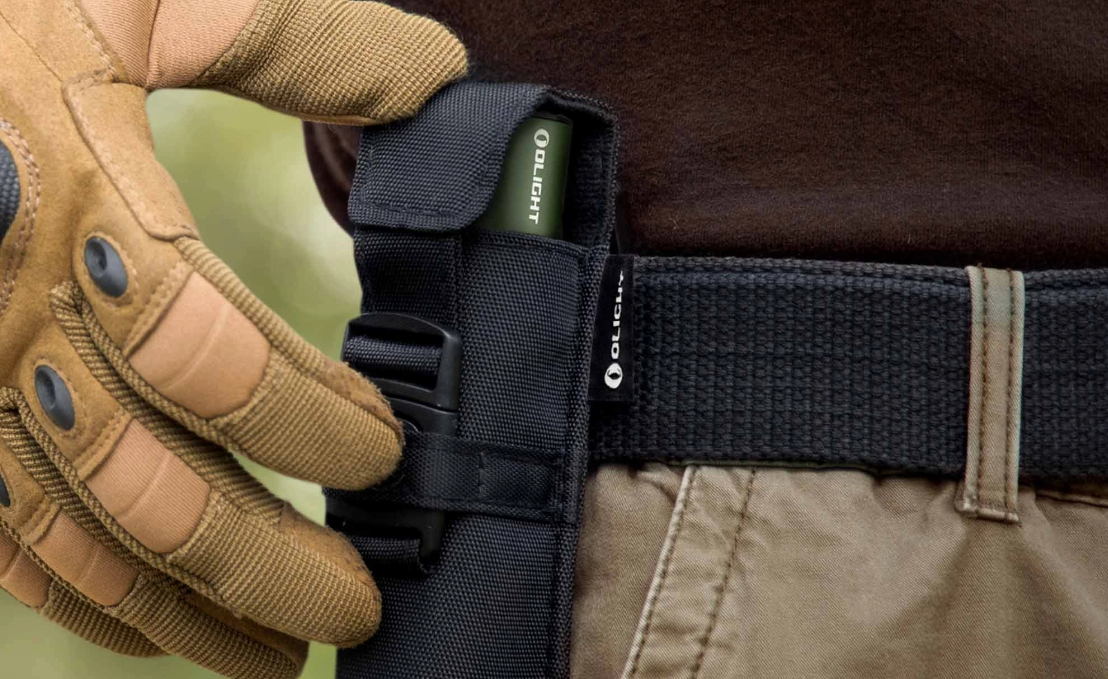
Smartphones are sleek, slippery, and fragile. Holding a £1,000 glass-sandwich device awkwardly in your fingertips while trying to peer into a dark engine bay or navigate a muddy, rain-slicked trail is a recipe for disaster. One slip, and you are left with a shattered screen and no light. A dedicated EDC torch features knurled aerospace-grade aluminum, offering a secure grip, drop resistance up to several metres, and hands-free options like pockets clips or headbands.
5. Environmental Vulnerability
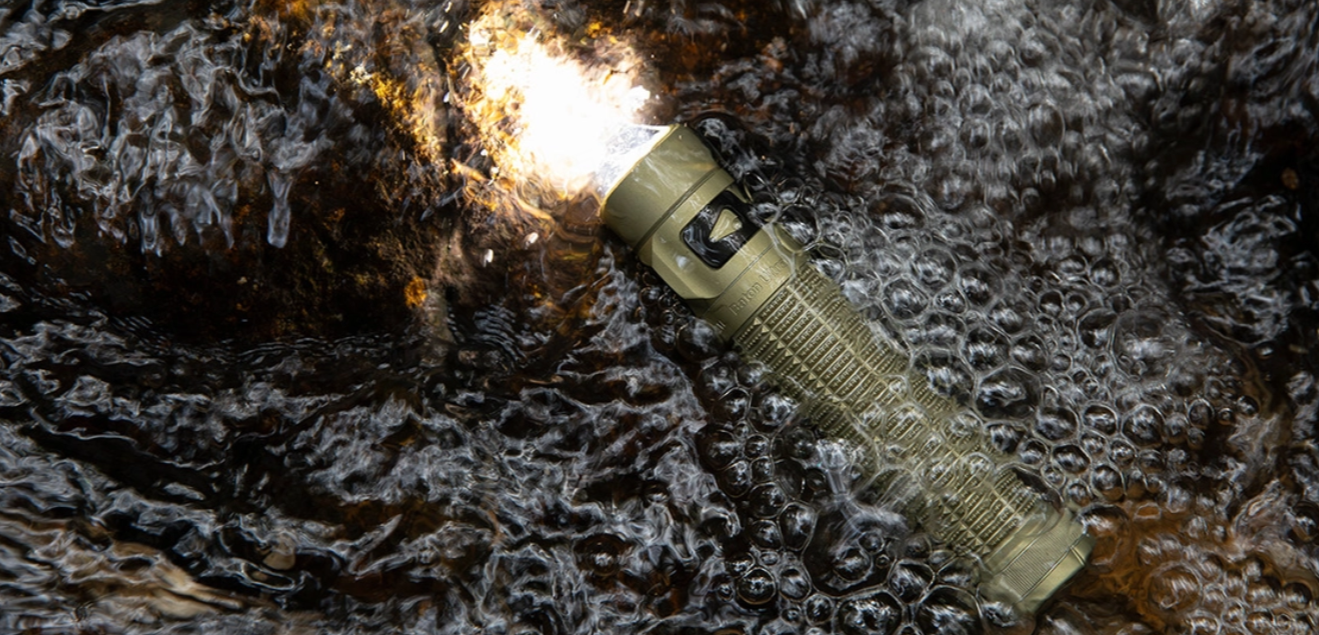
While many modern smartphones boast water-resistance ratings, these delicate seals degrade over time from heat and physical impacts, and they are not designed for active use in freezing temperatures or torrential downpours. A professional torch features double O-rings and is rated to strict IPX8 standards, meaning it can be fully submerged in water up to 2 metres deep. When you are caught in a classic UK winter storm, you need a light source that thrives in the wet, not one that risks permanent moisture damage.
Why "Flood-Only" Light is Dangerous Outdoors:
Floodlight (Phone) washes out the foreground, causing your pupils to contract. This effectively blinds you to anything in the distance, creating "tunnel vision" that can lead to trail accidents in the UK backcountry.
When You Should Buy a Dedicated Torch in the UK
The UK’s maritime climate and high latitudes present specific challenges for emergency preparedness. Reliability in the damp and the dark is a non-negotiable standard.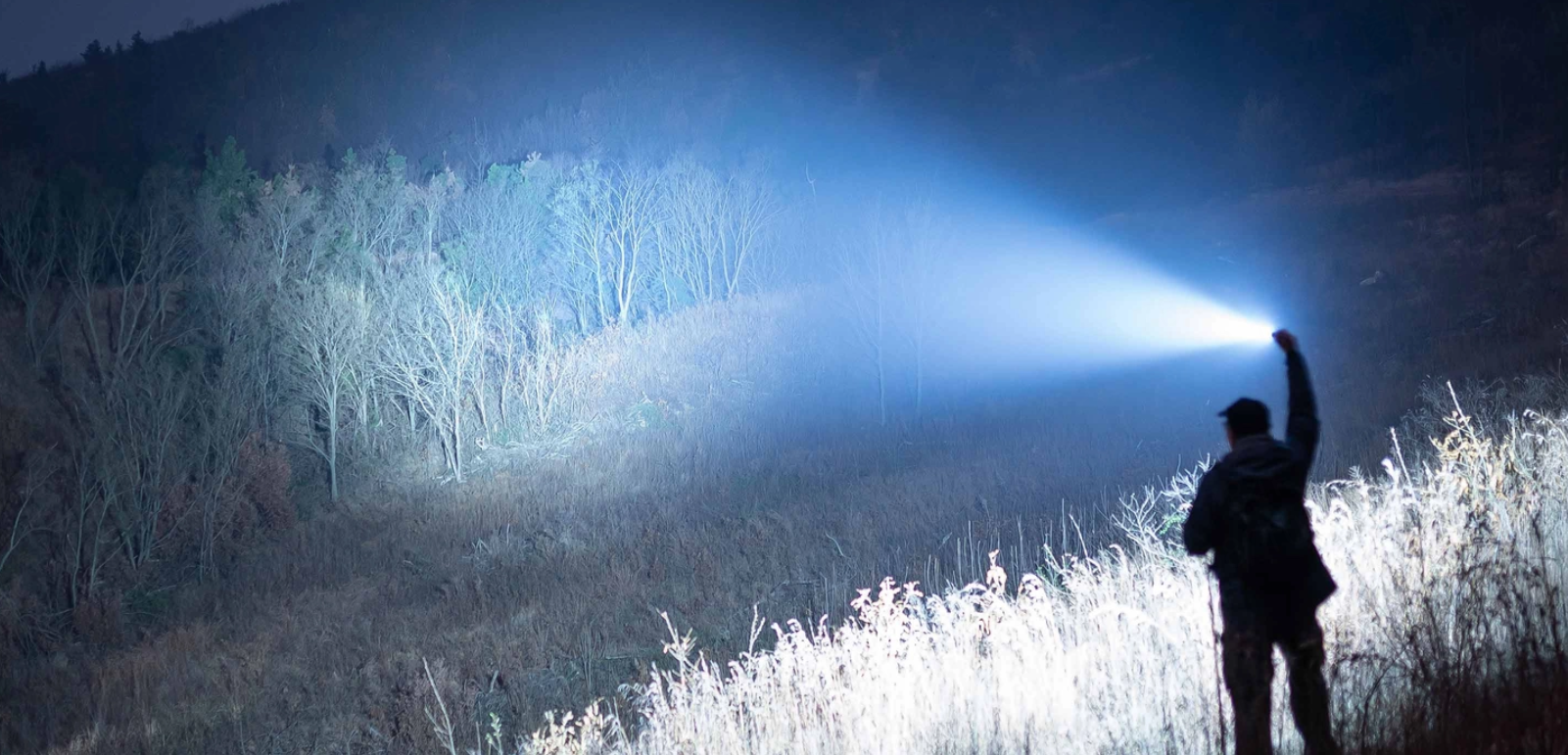
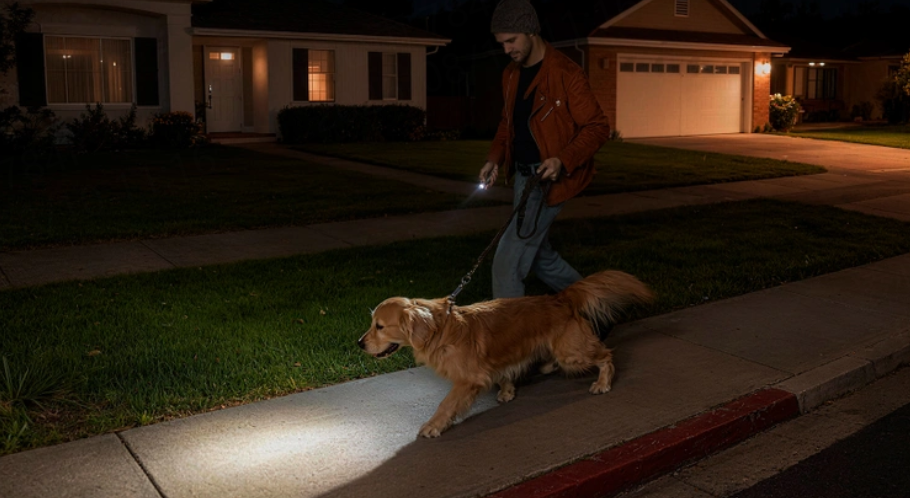
- The British Winter: With sunsets as early as 3:30 PM in northern areas, daily dog walks happen in total darkness. A phone light is useless against deep mud and uneven stiles.
- Grid Vulnerability: UK storms frequently disrupt power. A torch like the Baton 4 features a "Moonlight" mode that can illuminate a room for weeks, providing comfort and safety during extended blackouts.
- Roadside Mechanics: Fixing a tyre on a rainy A-road requires both hands. A magnetic-tail flashlight allows you to stick the light to the car wing, keeping you visible to other drivers and your hands free to work.
Recommended First Real Torches for UK Buyers
Technical FAQ: Pro-Tips for Longevity
Can long-term torch use damage my phone's camera flash?
Yes. High-intensity LEDs on phones generate heat that can impact the adjacent camera sensor. Prolonged heat exposure can accelerate the aging of the CMOS sensor and lead to "stuck pixels" or a reduction in low-light photo quality. This is why a dedicated torch is recommended for any task lasting longer than 60 seconds.
What is the "Moonlight Mode" advantage?
Unlike phone flashes, professional lights feature ultra-low outputs (0.5 - 1 lumen). This is the "Gold Standard" for emergencies. It provides enough light for your pupil to remain night-adapted while offering incredible battery efficiency—often lasting over 2,000 hours on a single charge.